1.什么是nexus?
Neux:MAVEN的私有仓库;
如果没有私服,我们所需的所有构件都需要通过maven的中央仓库和第三方的Maven仓库下载到本地,而一个团队中的所有人都重复的从maven仓库下载构件,不利于包的管理和共用.
Nexus的安装(nexus专业版收费,开源版免费使用)
Nexus 专业版是需要付费的,这里我们下载开源版 Nexus OSS。
Nexus 提供两种安装包,一种是包含 Jetty 容器的 bundle 包,另一种是不包含容器的 war 包。下载地址:http://www.sonatype.org/nexus/go
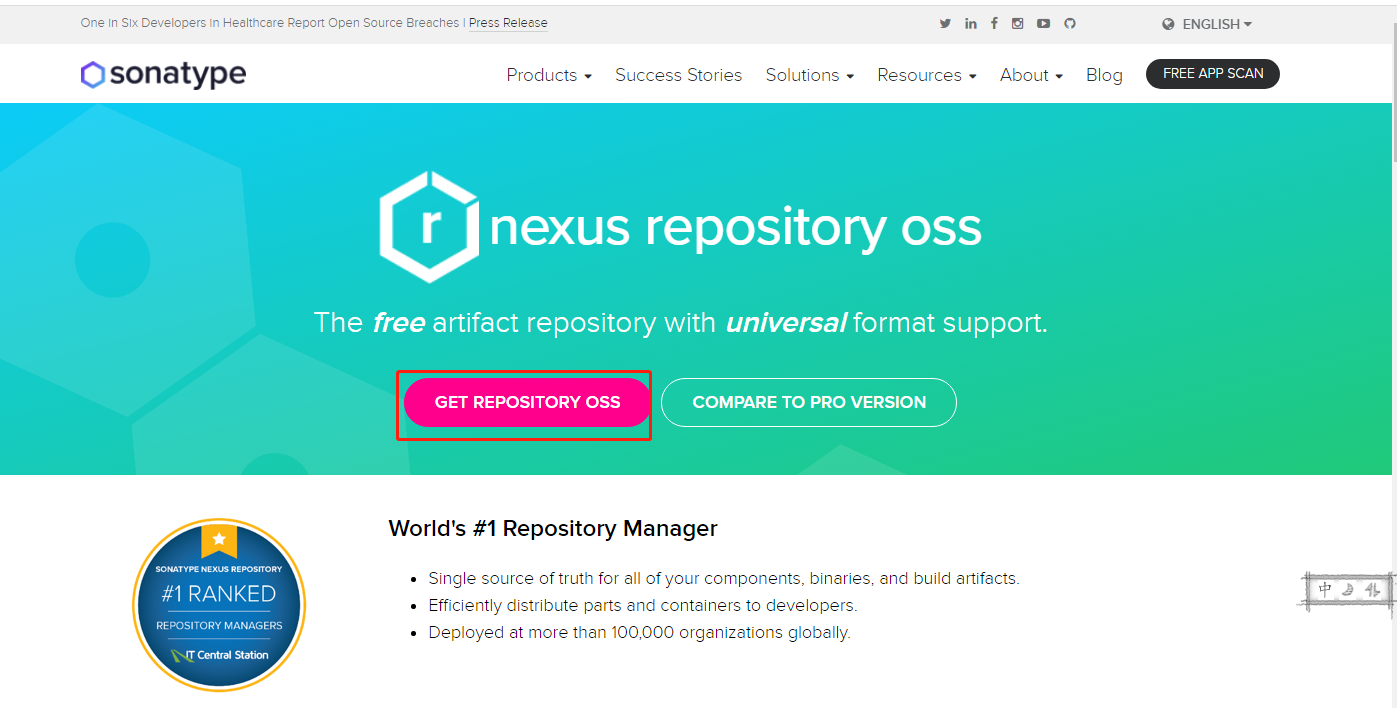
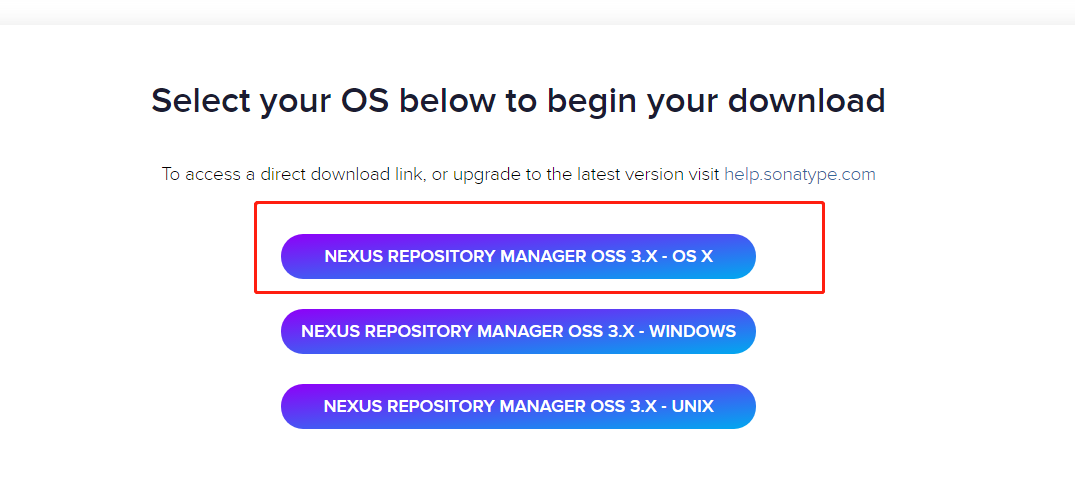
vpn下载好上传服务器/opt目录下
解压并移动目录
tar -zxvf nexus-3.24.0-02-unix.tar.gz
mv /opt/nexus-3.24.0-02-unix.tar.gz /opt/nexus-3.24.0-02

配置环境变量
vim /etc/profile
在最后加入
export RUN_AS_USER=root
export PATH=$RUN_AS_USER:$PATH
export NEXUS_HOME=/opt/nexus-3.24.0-02
保存文件并退出

刷新环境变量
source /etc/profile


cd /opt/nexus-3.24.0-02/bin

后台启动nexus
./nexus start

控制台启动nexus
./nexus console
修改默认nexus端口
cd /opt/nexus-3.24.0-02/etc
vim nexus-default.properties
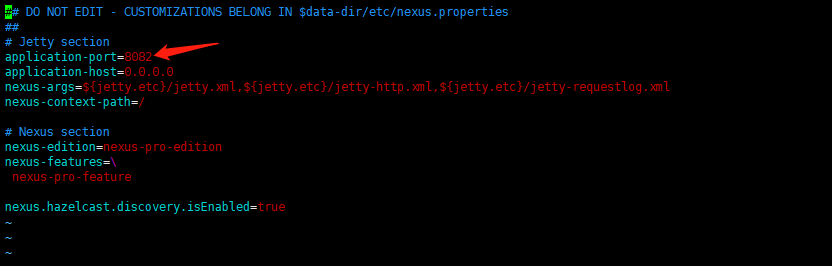
重启nexux
cd /opt/nexus-3.24.0-02/bin

./nexus restart
访问:http://{ip}:8082/nexus/用户名为admin
密码在 /opt/sonatype-work/nexus3/admin.password文件中
cat /opt/sonatype-work/nexus3/admin.password

2.配置本地私有仓库
2.1.在仓库中,默认会在本地去查找插件,当未发现有插件时,会去第三方仓库查找,跟系统上的yum挺像!当本地内未能查找到相应的插件,会通过代理(proxy)类型进行下载插件,配置就在Central-->Remote Storage Location:https://repo1.maven.org/maven2/;
我们将其改为阿里云的maven远程仓库:http://maven.aliyun.com/nexus/content/groups/public/
2.2.配置完nexus,再去修改maven的settings配置
<?xml version="1.0" encoding="UTF-8"?>
<settings xmlns="http://maven.apache.org/SETTINGS/1.0.0"
          xmlns:xsi="http://www.w3.org/2001/XMLSchema-instance"
          xsi:schemaLocation="http://maven.apache.org/SETTINGS/1.0.0 http://maven.apache.org/xsd/settings-1.0.0.xsd">
  <mirrors>
    <mirror>
      <id>lixiang</id>
      <mirrorOf>*</mirrorOf>
      <url>http://10.0.0.27:8081/nexus/content/groups/public/</url>
    </mirror>
  </mirrors>
<profiles>
    <profile>
        <id>default</id>
            <repositories>
                <repository>
                    <id>public</id>
                    <url>http://10.0.0.27:8081/nexus/content/groups/public/</url>
                    <releases>
                        <enabled>true</enabled>
                    </releases>
                    <snapshots>
                        <enabled>true</enabled>
                    </snapshots>
                </repository>
            </repositories>
    </profile>
</profiles>
    <activeProfiles>
        <activeProfile>default</activeProfile>
    </activeProfiles>
</settings>
2.3.重启服务后,新建了一个在本地构建的的测试job:test-zrlog